If you are asking what AI chatbot development cost looks like, you have probably seen quotes that range from a few thousand dollars to a few hundred thousand. Both can be honest. The word “chatbot” covers a scripted FAQ widget and a system that searches ten thousand documents, cites its sources and hands hard cases to a person. This post explains what you are paying for, what other firms publish, and when a subscription beats a custom build.
I’m Vincent Lam, and I scope custom AI chatbots with clients. One note first: we don’t publish a price or a timeline for AI work. Every project gets a fixed quote after a free discovery call, before we build. The drivers below are the reason why.
AI chatbot development cost: the six drivers
A modern chatbot takes a question, finds the relevant part of your content, writes an answer from it and sends the answer to a channel. Cost builds up at each step.
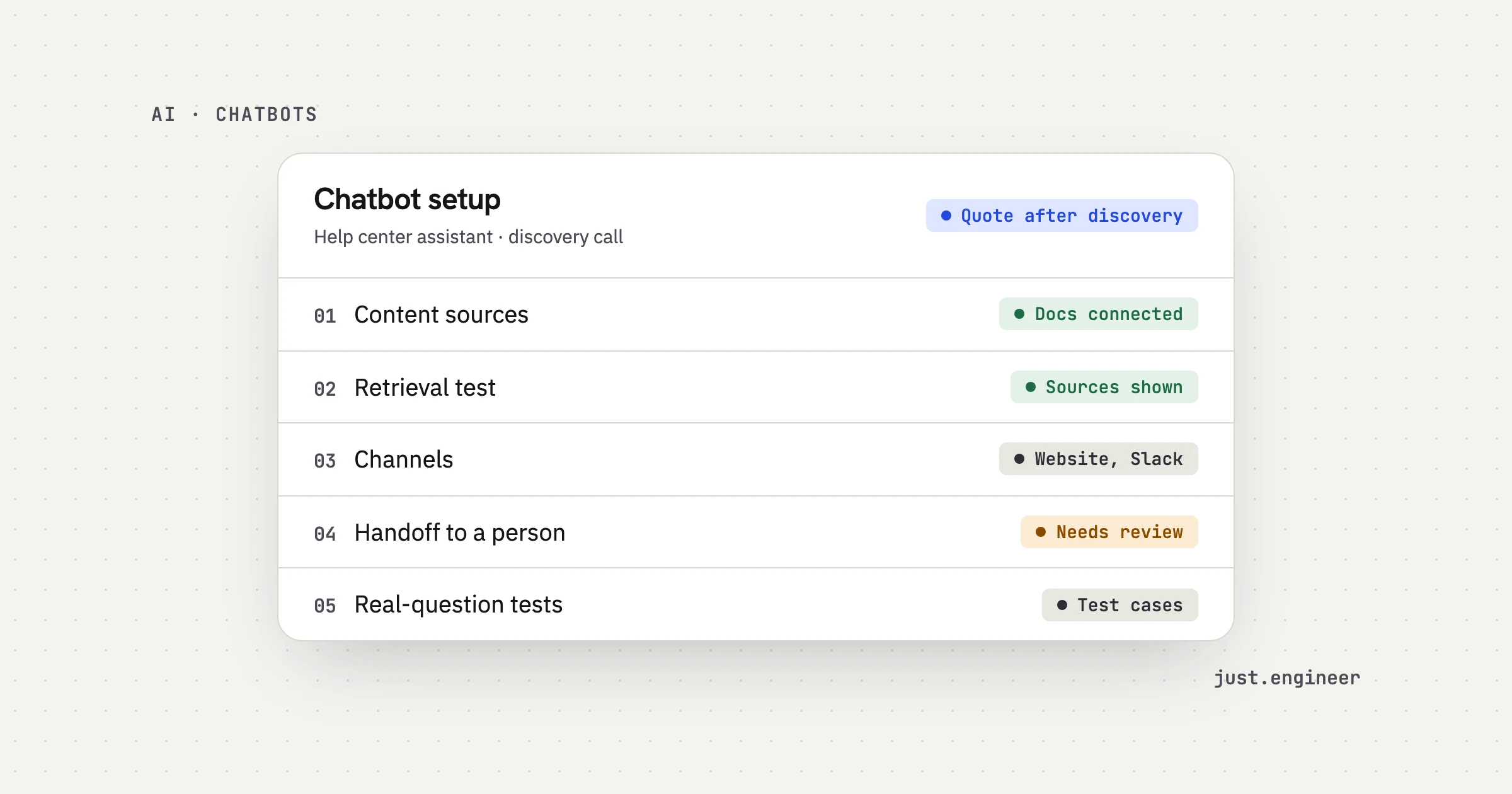
1. Content and sources
The bot is only as good as what it can read. A clean help center is cheap to connect. A mix of PDFs, old tickets, a wiki and a product database is not. Each source needs to be pulled in, cleaned and kept in sync as it changes. Out-of-date pages are the most common reason for a wrong answer, so the sync matters as much as the first import.
2. Retrieval quality
Retrieval is the search step. Get it wrong and the model writes a fluent answer from the wrong page. Good retrieval means splitting documents sensibly, ranking results, and checking that the passage found really answers the question. This is where a custom build and a template differ most, and it is invisible in a demo. A demo uses the five questions that were prepared for it.
3. Channels
A website widget is one build. Add Slack, Teams, WhatsApp or an in-app panel and each one has its own formatting, login and message limits. Internal bots also need to know who is asking, so staff only see what they are allowed to see.
4. Handoff to humans
A chatbot that cannot say “I don’t know” is a liability. Ours are built to answer only from your content, show the source, and say so when they can’t find an answer. Then the conversation goes to a person with the history attached. That needs a route into your helpdesk or inbox, a way to flag low-confidence answers, and a view of what was handed over and why.
5. Evaluations on real questions
An evaluation set is a group of real questions with known right answers. The bot runs against it on every change, and you get a score. Building it means collecting the questions, agreeing what a correct answer looks like, and writing the checks. We test on your real questions before launch, and you own the evaluation sets, so the tests stay with you if the team changes.
6. Run cost per conversation
Every conversation has a cost: a search, one or more model calls, and sometimes a call to another system. Monthly cost is roughly conversations multiplied by cost per conversation. We pick models per task, balancing quality, speed and cost, and build so the model can be swapped later. AI services run on accounts you own, so the bill comes to you.
| Driver | What raises the cost | What lowers it |
|---|---|---|
| Content and sources | Many formats, stale pages, no owner | One tidy source, a named owner |
| Retrieval quality | Long documents, similar pages, tables | Clear page titles, one topic per page |
| Channels | Several, with logins and permissions | One channel first |
| Handoff to humans | Custom routing, many teams | One queue, one inbox |
| Evaluations | No list of real questions | A few dozen real questions with answers |
| Run cost | Large models, long answers, high volume | A model picked for the task, short context |
What other firms publish
Several development firms publish price ranges. The figures below are vendor-published, they describe each firm’s own projects and definitions, and none of them is our price. I opened each page to check the numbers.
- Space-O Technologies (vendor-published, updated September 2026): $3,000 to $15,000 for a rule-based bot, $30,000 to $100,000 for an LLM-powered bot, and $50,000 to $150,000 for one that searches a knowledge base.
- Cleveroad (vendor-published, updated January 2026): $35,000 to $120,000+ for a generative AI bot, and $20,000 to $60,000+ for customer support with natural language understanding.
- Quickchat AI (vendor-published, updated July 2026): $5,000 to $30,000 for a simple rule-based bot and $75,000 to $500,000+ for a custom AI bot.
The ranges disagree. One firm’s LLM bot starts where another’s custom AI bot is still far from its floor. They use different labels and different assumptions about content, channels and testing. That is why I would not budget from any of them. Use them to see the shape: scope moves cost by an order of magnitude.
SaaS subscription or custom build
For many teams, a subscription is the right answer. Published plan prices show why.
- Quickchat AI’s own plans (vendor-published) run from $9 to $999 a month, and its comparison lists Tidio Starter at $24 a month.
- Intercom prices its Fin AI agent at $0.99 per outcome, and counts an outcome when a customer confirms resolution, stops asking for help, or a workflow completes. Seats are billed on top.
- Space-O (vendor-published) reports per-resolution pricing of $0.50 to $5.00 and maintenance of 15% to 25% of the build cost per year for custom bots.
Two things to notice. First, per-resolution models bill you for success, which sounds fair until you read how a resolution is defined. A conversation a visitor abandons can count. Second, a subscription ties you to the provider’s content connectors, channels and answer checks.
A subscription fits when:
- your content sits in one help center the provider can read;
- your questions are common and a website widget is enough;
- you can live with the provider’s handoff and reporting;
- you want to be live this week and learn what people ask.
A custom build fits when:
- answers must come from several sources, such as docs, tickets and product data;
- the bot lives in Slack, Teams or your app, not only on a website;
- you need control over sources, handoff rules and how answers are tested;
- you want to own the code, the prompts and the evaluation sets;
- conversation volume is high enough that per-resolution fees add up.
If you are unsure, start with a subscription. Two months of real conversations is a stronger requirements document than anything you can write in advance. If you outgrow it, you will know exactly what to ask for, and you will have the real questions that become your evaluation set.
My opinion: pay for the evaluation set, not the model
Here is what I believe most strongly. When you compare chatbot quotes, the line that deserves the most money is the evaluation on your real questions, not the model or the interface.
My reasoning is simple. Models are a commodity you can swap. The interface is a few days of work. What decides whether the bot helps or embarrasses you is whether it answers your questions correctly, and the only way to know is to test it on those questions, every time something changes. Without a test set, a new document import, a new prompt or a cheaper model can fix one answer and quietly break ten others. You find out from customers.
The evaluation set also pays you back in other places. It lets you switch to a cheaper model safely, which is often the biggest lever on run cost. It gives your support lead a score to track instead of an opinion. And it settles arguments with a provider: if the score drops, everyone can see it.
A quote that leaves out the evaluation has not saved you money. It has moved the testing to your customers, after launch.
How to lower the cost before you build
- Start with the questions. Export a month of real questions from your inbox or helpdesk. Group them. The top twenty groups are your first scope.
- Fix the content first. Remove pages that are out of date. Give every page a clear title and one topic.
- Pick one channel. Add the second after the first works.
- Define the handoff. Decide who receives escalations and what they need to see.
- Write the right answers. For fifty of those questions, write down the correct answer and its source. That is your first evaluation set.
- Estimate volume. Know roughly how many conversations a day you expect, so run cost is estimated on real numbers.
How we scope it
It starts with a free 30-minute discovery call. The engineers on that call are the people who would build it. We map the process, look at your real questions, and check your content and tools. If you need an NDA, we sign it before the first call.
Next comes a scoped proposal: what the chatbot will do, where a person takes over, how success is measured, and a fixed quote. No hourly billing. Then we build with evaluations, with weekly demos on your real questions. Last, we launch and monitor, with dashboards for quality and cost.
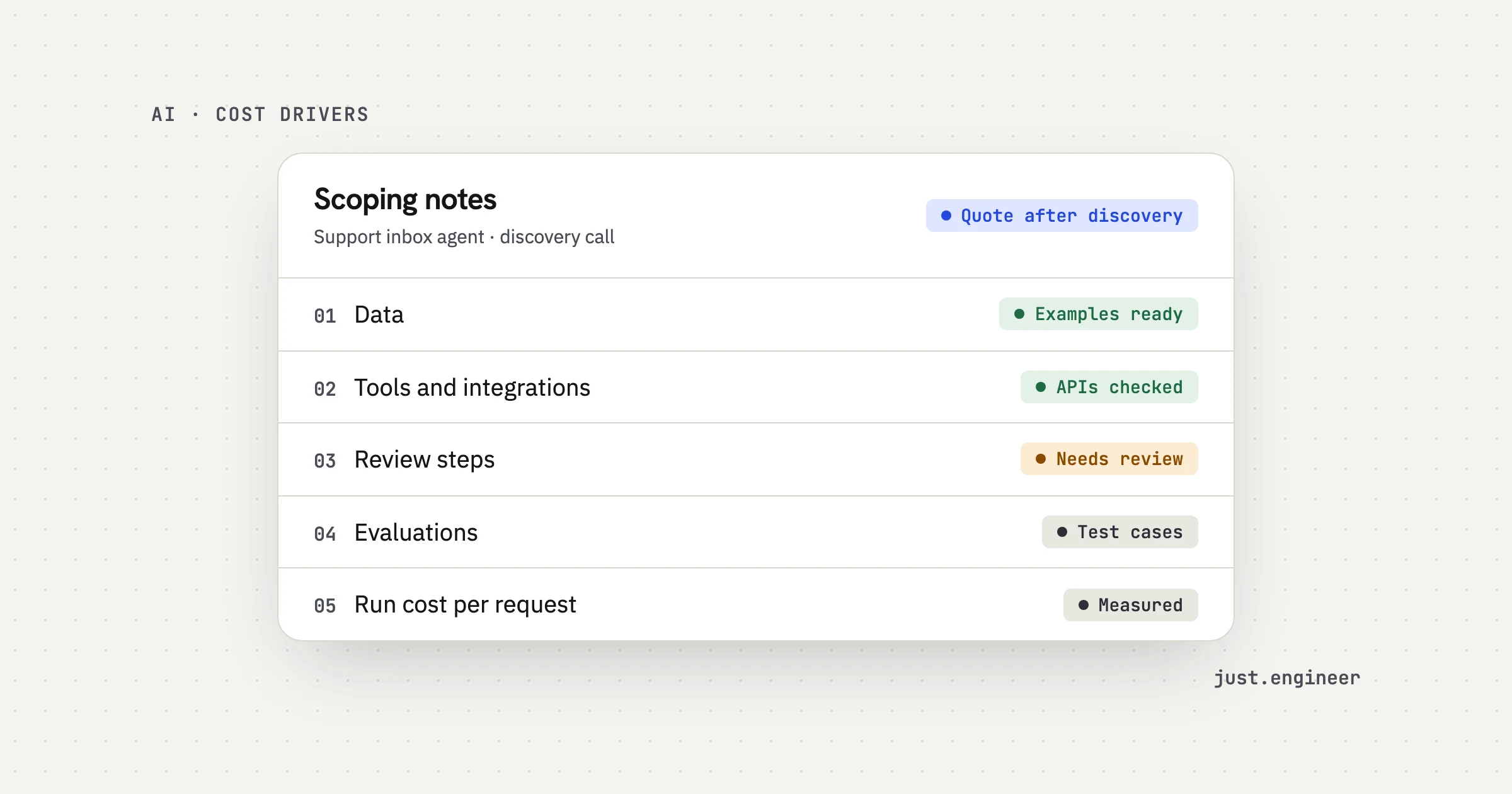
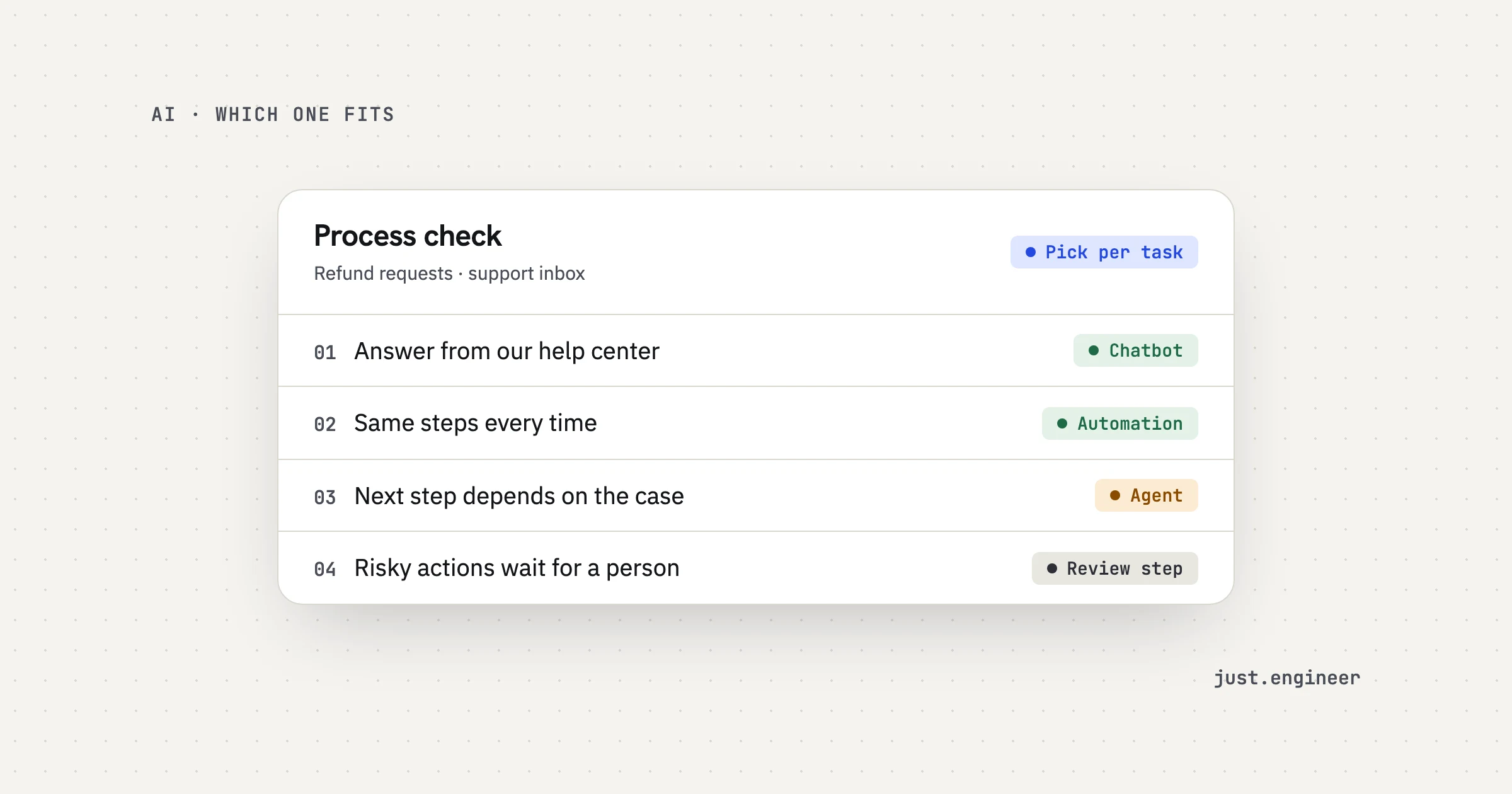
Not every problem needs a chatbot. If the work involves taking actions in other systems, an agent may fit better, and our post on AI agent development cost covers those drivers: tools, review steps and approvals. For a chatbot, the hard parts are content, retrieval and testing.
If the same questions arrive every day and the answers already exist in your docs, bring a month of them to a call.
Questions people ask
How much does it cost to build an AI chatbot?
Is it cheaper to buy a chatbot subscription than to build one?
What does an AI chatbot cost to run each month?
Why do chatbots make things up, and does fixing it cost more?
Can I get a price for a custom chatbot before a call?