Most finance teams that look at AI invoice processing want the same thing: stop retyping supplier invoices into the accounting system. That goal is reachable. What decides whether it works is not the model that reads the PDF. It is everything around it: the checks, the matching, the review queue and the way you measure accuracy before anyone relies on it. This post walks through the six steps of an invoice flow, where a person should stay in the loop, how to test on your own invoices, and when to build instead of buy. It reflects how we scope AI process automation services.
What AI invoice processing actually covers
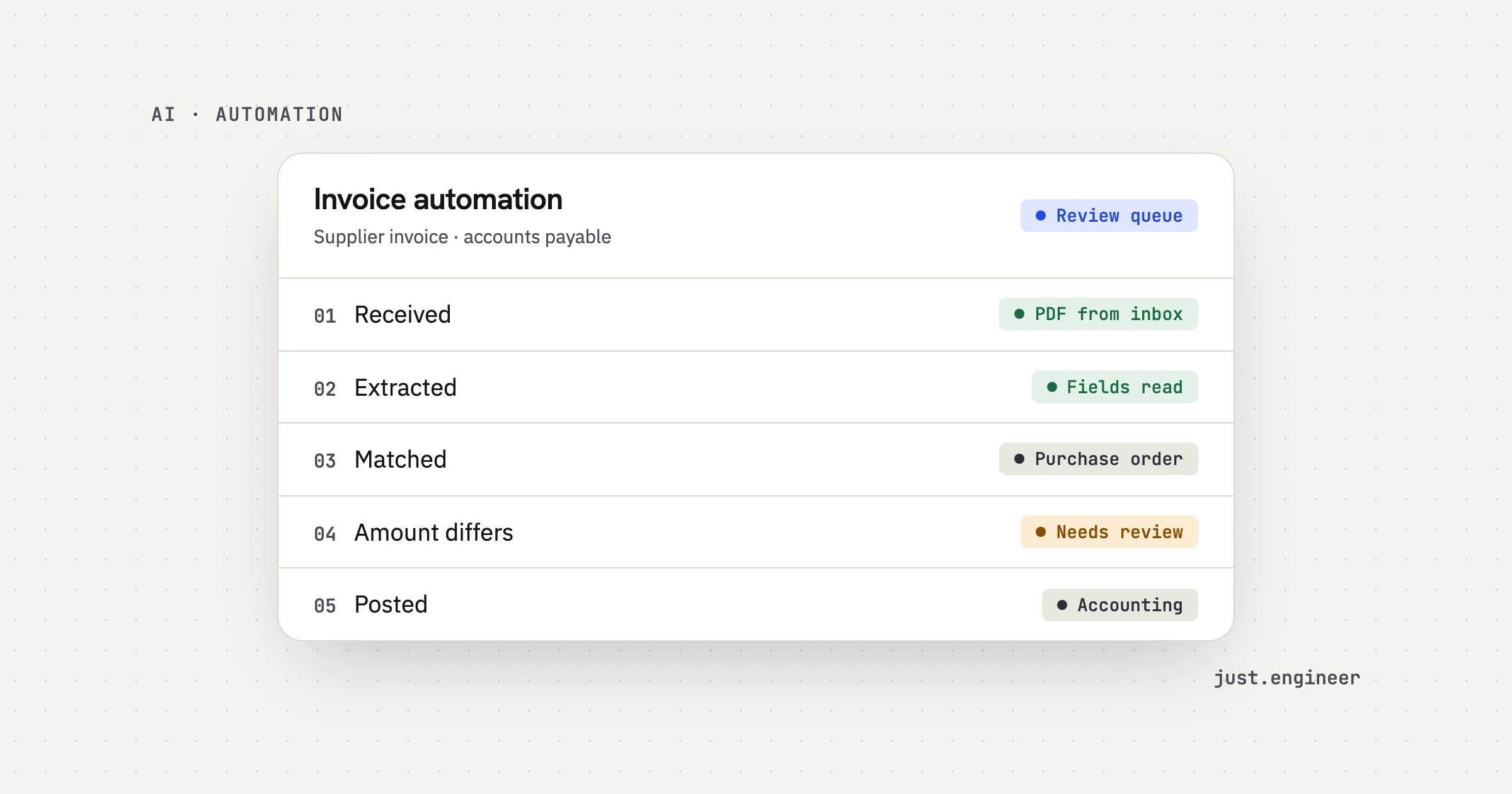
An invoice arrives as a PDF, a photo or an email body. Someone reads it, types the supplier, dates, line items and totals into another system, checks it against a purchase order (PO), asks a manager to approve it and posts it for payment. AI invoice processing replaces the reading and typing, and helps with the checking. It does not replace the rules your company already has about who approves what.
That distinction matters when you compare tools. Vendors in this space, such as Automation Anywhere with its accounts payable solution, describe the same shape: intake, extraction, matching, exceptions, approval. The shape is common. The details inside each step are where your business differs.
The six steps of an invoice flow
1. Capture
Decide where invoices enter. A shared inbox, a supplier upload page or a shared drive all work. The goal is one door. If invoices also arrive in three people’s personal mailboxes, they will bypass the system. At this step the system also drops duplicates and files that are not invoices, such as newsletters and statements.
2. Extract
A document model reads each file and returns fields: supplier, invoice number, dates, currency, tax, line items, totals and the PO number. Each field comes back with a confidence score. Scans, photos and unusual layouts are handled by current models, but they score lower, so they matter most in testing.
3. Validate
Extraction is a guess until it is checked against something you trust. Checks that catch most problems:
- Line items add up to the invoice total.
- The supplier exists in your supplier list, and the bank account matches the one on file.
- The invoice number has not been seen before.
- The currency and tax rate fit the supplier’s country.
These are plain rules, not AI. They are cheap to run and they catch the errors that cost real money.
4. Match to the purchase order
Two-way matching compares the invoice with the PO. Three-way matching adds the delivery note or goods receipt. Matching is where tolerances come in: a small rounding difference should not stop an invoice. Accounting software already supports this idea. Sage Intacct’s match tolerances, for example, exist to limit review of minor differences so reviewers can focus on real exceptions. Keep the final match decision rule-based, so you can explain every outcome to an auditor.
5. Approve
Route the invoice to the right person by supplier, amount or cost center. This is workflow, not AI, and it should copy your current approval policy. Anything over a threshold, or from a new supplier, can always wait for a person.
6. Post to accounting
The last step writes the record into your accounting or ERP system through its API or an import. Writing is the riskiest step, so log every post with the source document, the extracted values and who approved it. If your system has no API, say so early, because it changes the plan.
Here is the flow with where a person belongs:
| Step | Handled by | Person reviews when |
|---|---|---|
| Capture | Rules | A file is not recognized as an invoice |
| Extract | Document model | A field has low confidence |
| Validate | Rules | A check fails, such as an unknown bank account |
| Match to PO | Rules | The amounts are outside tolerance, or no PO is found |
| Approve | Workflow | Always, by the approver you name |
| Post | Integration | The write fails or the supplier is new |
Where a human reviews, and why it makes the system faster
A system that sends every invoice to a person saves nothing. A system that sends none is a risk. The useful design sits between: low-confidence fields and failed checks go to a review queue, and the rest continue on their own.
The queue matters as much as the model. Show the original document next to the extracted fields. Highlight only the fields in doubt. Let the reviewer accept, edit or reject in one click. Fixing one field takes seconds. Retyping a whole invoice does not. Corrections should also be saved, because they become new test cases.
You choose which actions run alone and which wait. Anything involving money can wait for approval. We build agents and automations the same way: a review step, and every step logged. This is the part of the build I would protect most, for reasons I explain in what drives AI agent development cost.
How to measure accuracy on your own invoices before launch
Published accuracy claims come from someone else’s invoices. Yours may be worse or better. So measure before you launch:
- Collect a sample. Pull invoices from a spread of suppliers, including the ugly ones: scans, photos, multi-page, other languages. A few dozen is a start. More is better.
- Mark the right answers. Have the person who processes invoices today fill in the correct value for each field. This is your answer key.
- Score field by field. Run the system and compare. Track fields separately, because a system can read totals well and miss PO numbers.
- Check what passes without review. The number that matters is how often an invoice goes through on its own and is correct. Wrong values that pass silently are the real cost.
- Set the confidence threshold on this data. Do not copy a number from a blog post. Pick it where the review queue is a size your team can handle.
- Keep the set. Run it again on every change to a prompt, a model or a rule.
We measure accuracy on your documents before launch and agree it in the proposal. You own the evaluation sets, so the tests stay with you.
Build or buy
Off-the-shelf invoice tools are a good answer for many companies. If your invoices are standard, your accounting software has a native flow, and your approval rules are simple, start there. It is faster and someone else maintains it.
Custom work earns its place in a few cases:
- Your approval or matching rules are specific, for example by project, entity or contract.
- Invoices come from many formats, languages or channels, and a generic tool misses them.
- The flow must touch several systems that tools do not connect, such as an ERP plus a logistics or project system.
- You want the extraction, prompts and evaluation sets as assets you own and can move between models.
Ask any vendor, including us, the same questions: which systems does it connect to, where does a person review, how is accuracy measured on my invoices, and what does one invoice cost to process? Those answers tell you more than a feature list. For the cost side, the same five drivers apply as for agents.
My view: test on your worst invoices first
Here is the opinion I hold most firmly. Test on your worst invoices first, not your typical ones. A demo on clean PDFs from your three biggest suppliers proves nothing.
The reason is simple. A clean invoice will read fine in any tool. The cost sits in the tail: the photographed receipt, the scan with a stamp over the total, the supplier who changes layout every quarter. If the system is only tested on the easy cases, you find the tail after launch, in your accounting records. If you test on the tail first, you learn where the review queue needs to be, and you can set the confidence threshold with real evidence. It is also the fastest way to learn whether the project is a good fit at all.
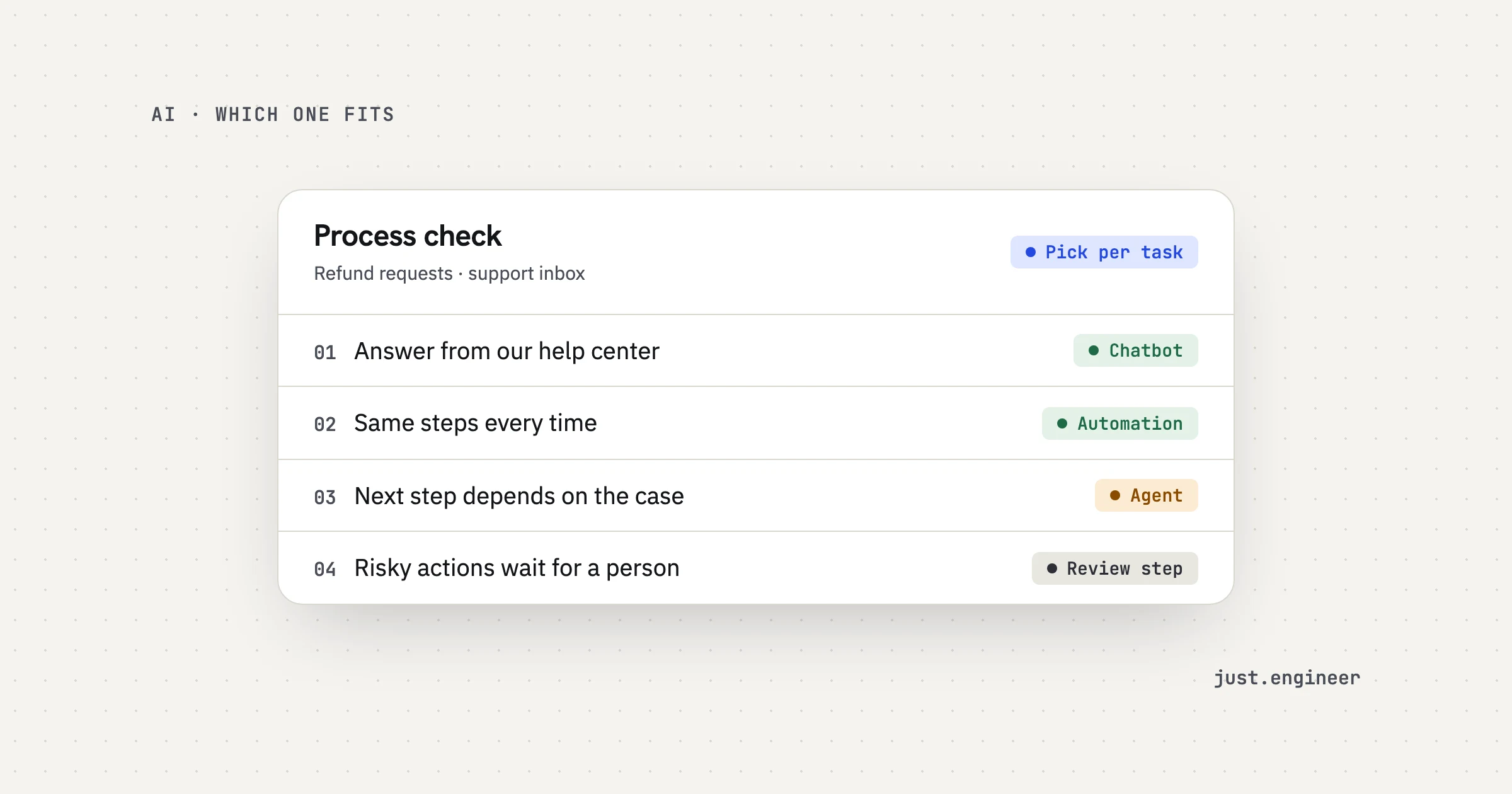
If you are also deciding whether this should be an agent, a chatbot or a plain workflow, see AI agent vs chatbot.
What a fixed-quote scope looks like
It begins with a free 30-minute discovery call with the engineers who would build it. Bring a handful of real invoices, including a bad one. We map the process, look at the examples, and check the accounting system and other tools. If you need an NDA, we sign it before the first call.
Then comes a scoped proposal: what the AI will do, where a person reviews it, how success is measured and a fixed quote. We do not publish a price or timeline for AI work, because it depends on your invoices and systems. We build with evaluations and weekly demos on your real invoices, then launch with dashboards for quality and cost.
Invoice processing is a good fit when it happens often, runs on documents, a person reviews it today and the accounting system can connect. It is a poor fit when volume is a few invoices a month or the data cannot be shared. If you want to see the idea in action, the Receipt checker in Labs reads a receipt and checks it against a policy. It is a demo, provided as it is, for illustration.
If invoices are a daily chore on your team, bring a sample to a call and we will tell you honestly whether automation fits.
Questions people ask
How do I automate invoice processing with AI?
How accurate is AI invoice processing?
Should I build or buy invoice processing software?
Do invoices need a fixed format for AI to read them?
What happens when the AI is not sure about a field?